PocketLog

Features.

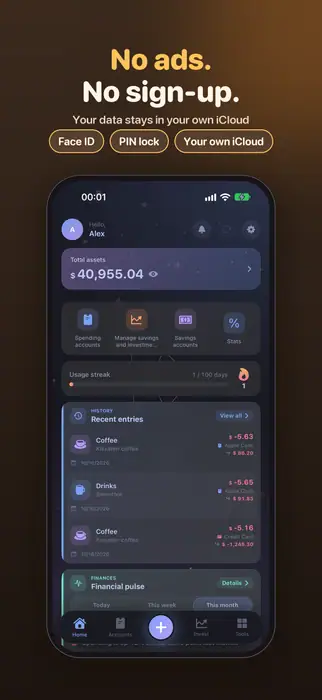
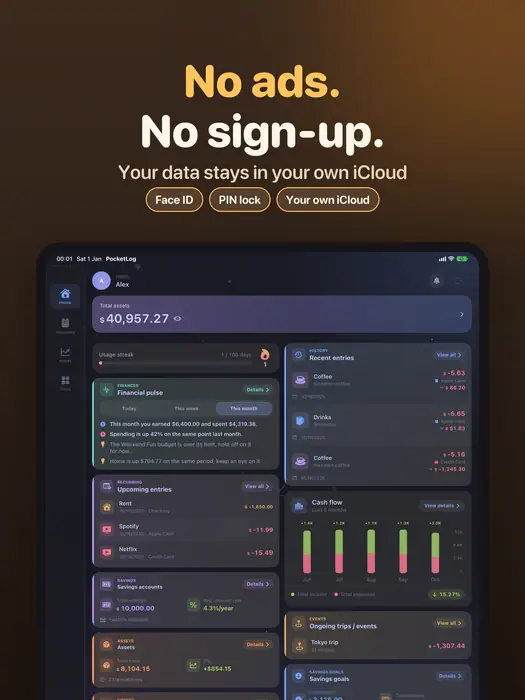
Everything in PocketLog, from a cup of coffee to a savings deposit.

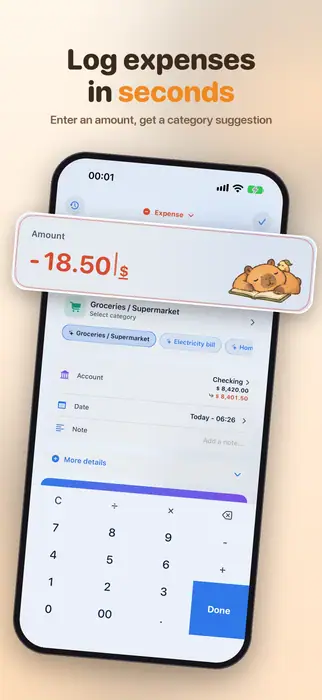
Logging

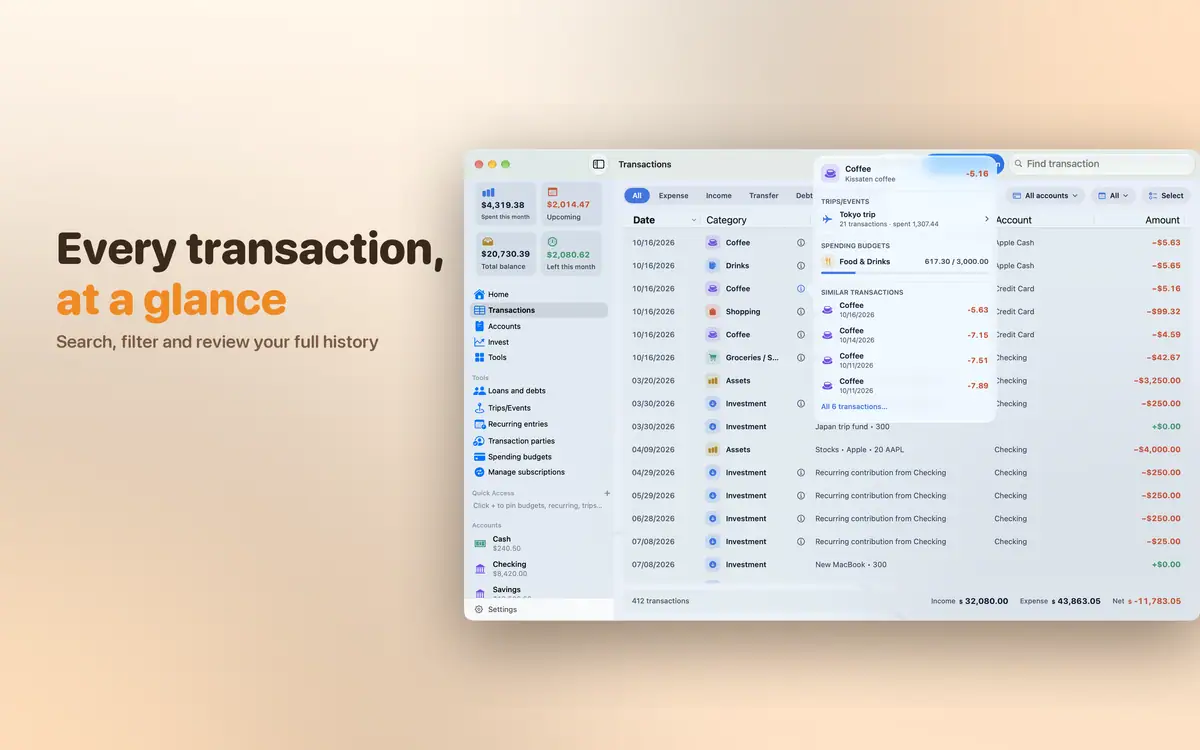
  • Expenses, income, debts and transfers between accounts
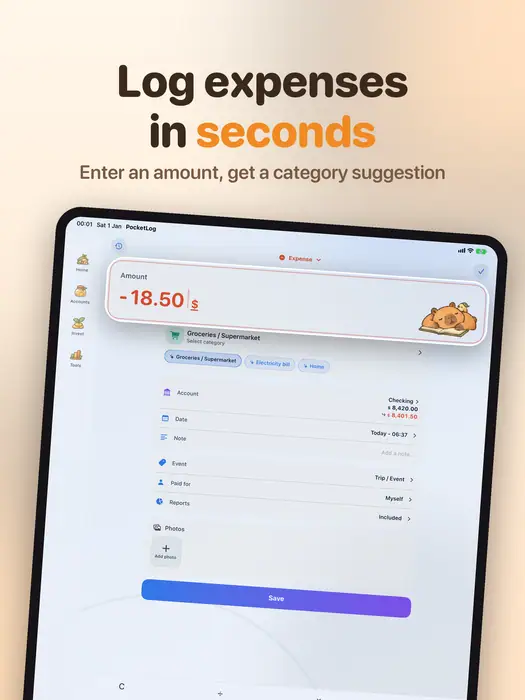
  • Category suggestions learned from your transactions
  • Voice entry
  • Built-in categories you can edit, add or remove
  • Receipt photos, notes and who paid
  • Recurring entries and subscriptions logged for you
Accounts

  • Cash, bank accounts, e-wallets and credit cards
  • Credit card statement tracking
  • Each account in its own currency, converted automatically
  • Standalone accounts kept out of your net worth
  • Balance adjustments when it drifts from reality

Planning

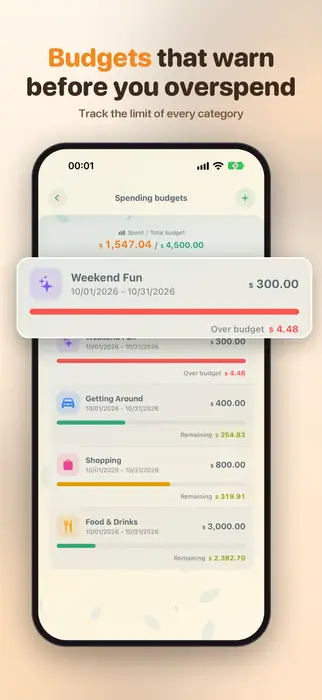
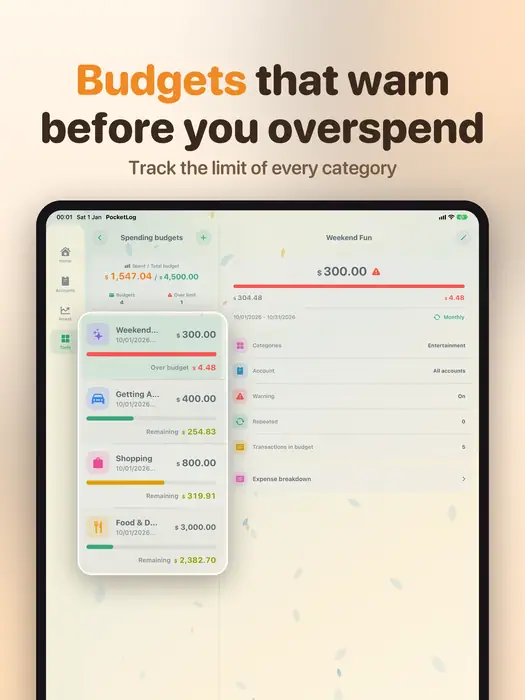
  • Budgets by category and period
  • How much you can spend each day
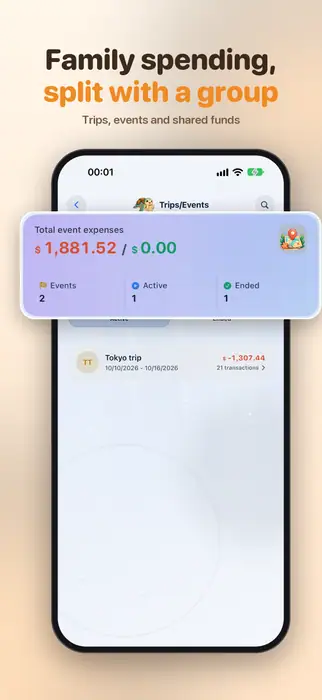
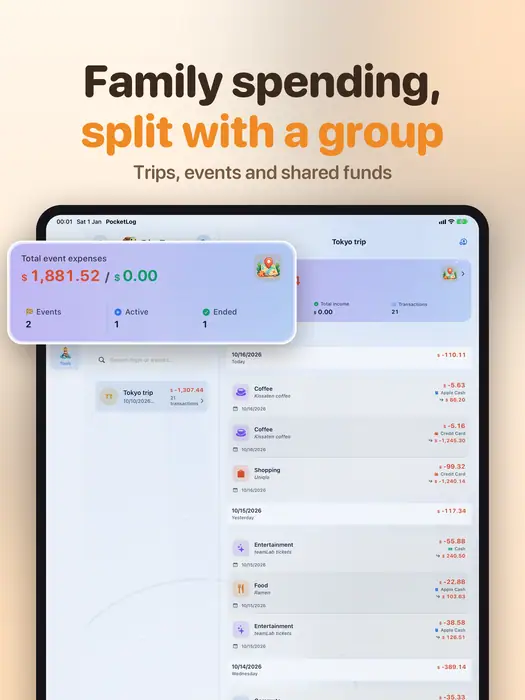
  • Trips and events with their own budget
  • Debts, loans and repayment schedules

Assets

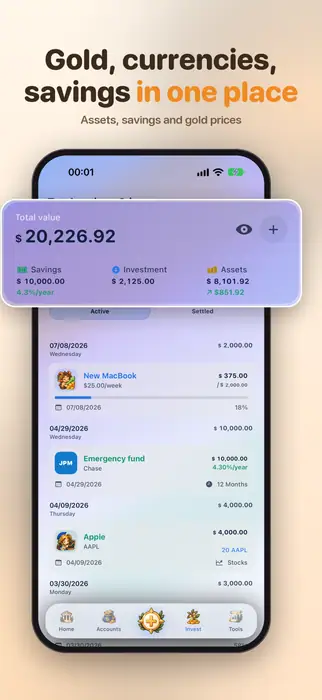
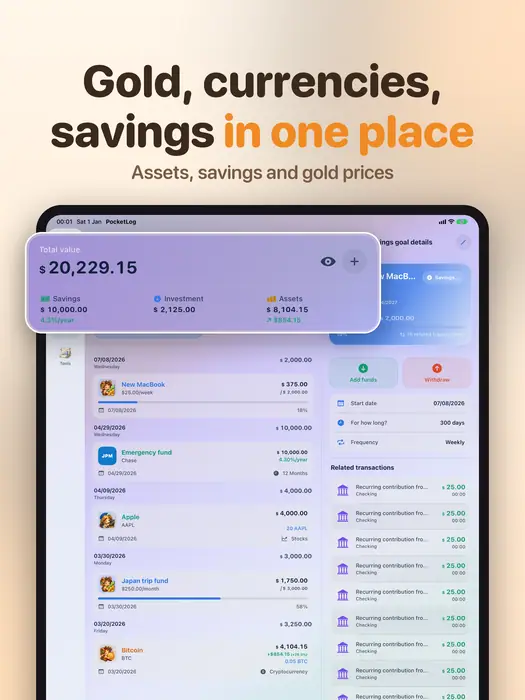
  • Savings deposits with interest, term and maturity date
  • Goal-based saving funds
  • Gold, silver, currencies, crypto, stocks, bonds and real estate
  • Up-to-date prices and exchange rates

Stats

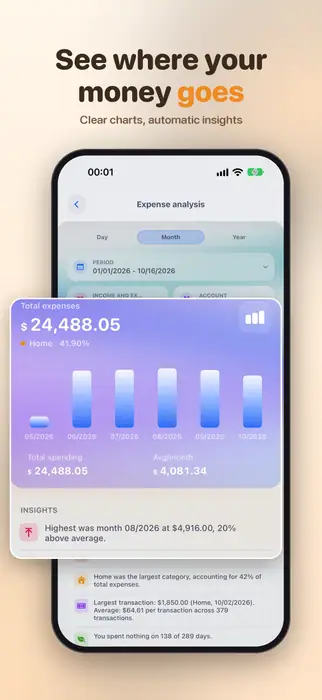
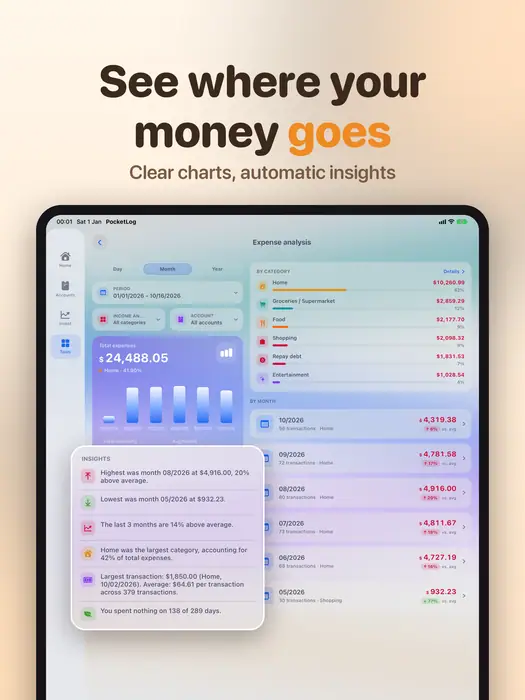
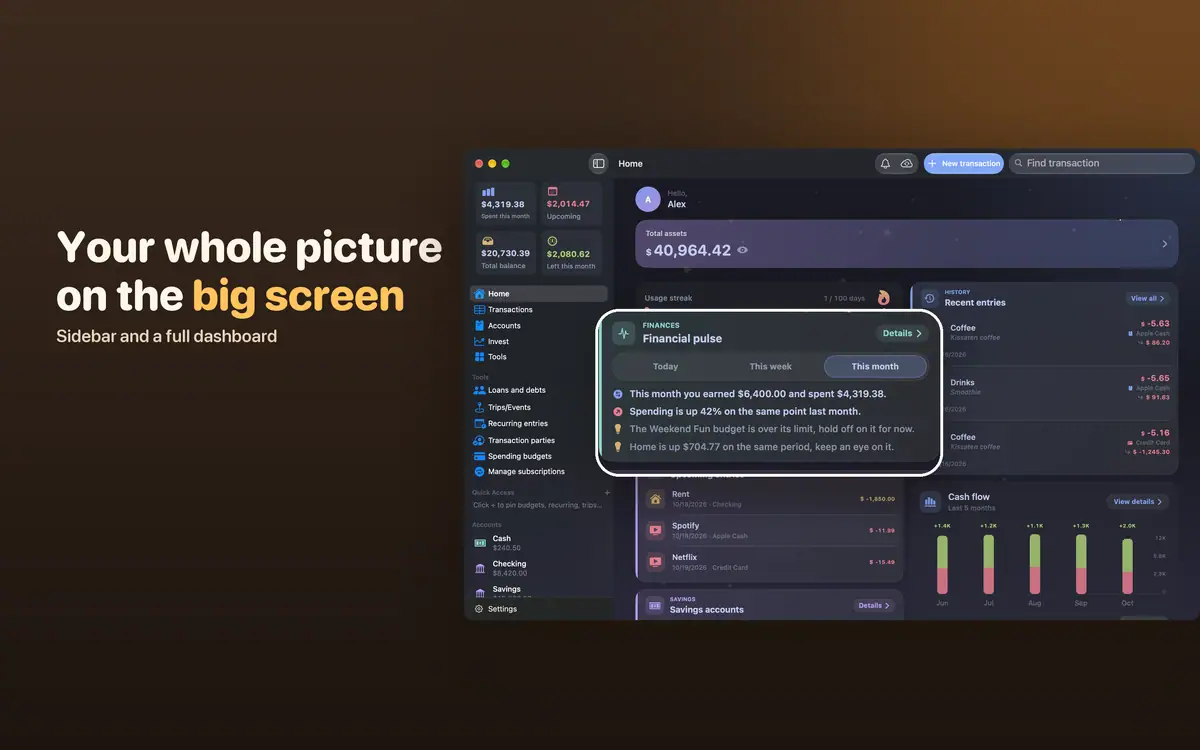
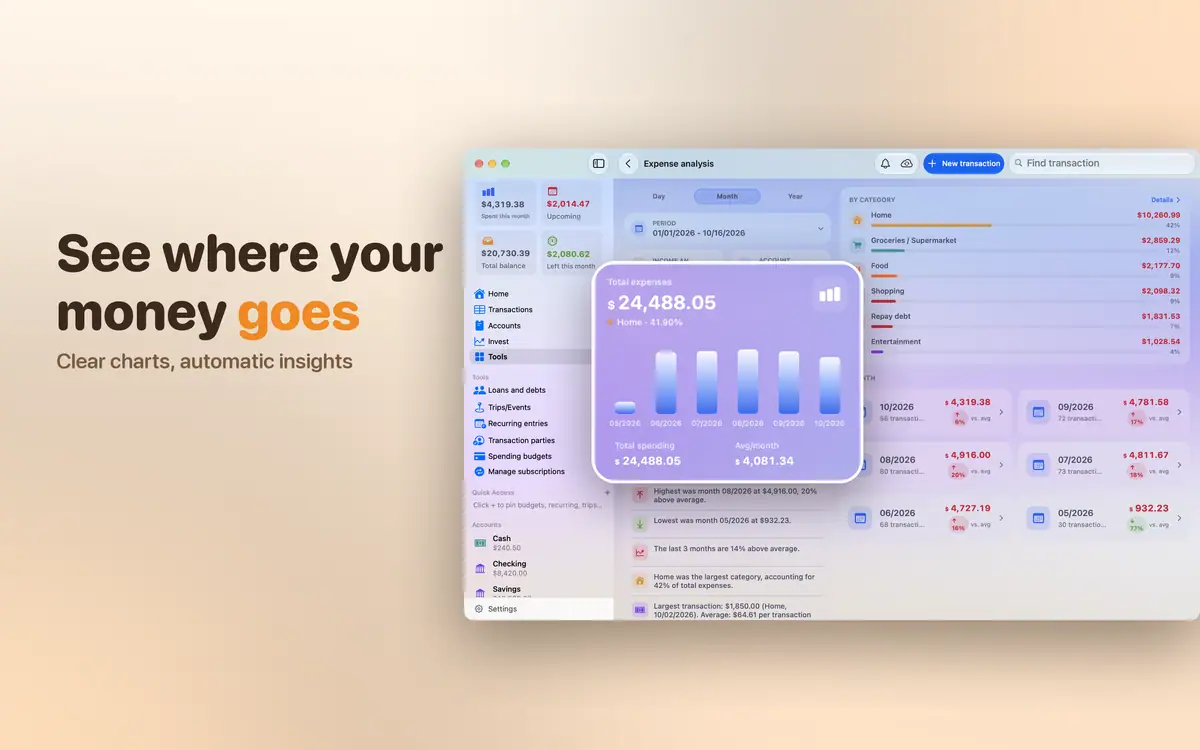
  • Spending, income and cash flow charts
  • Analysis by category, account, payer and trip
  • Automatic insights for each period
  • A financial health score
  • Logging streaks and badges

Data and security

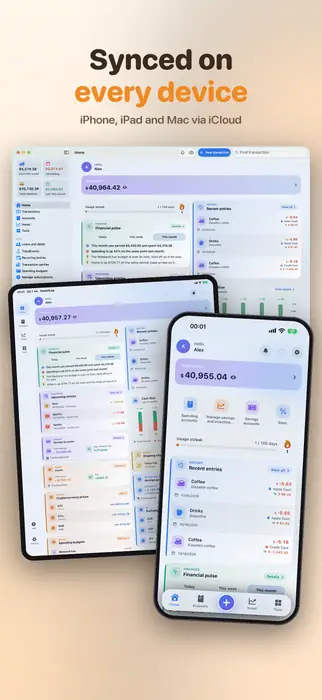
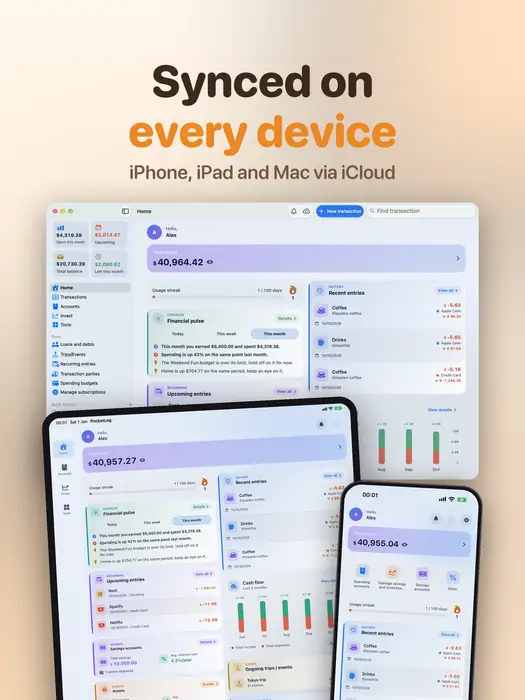
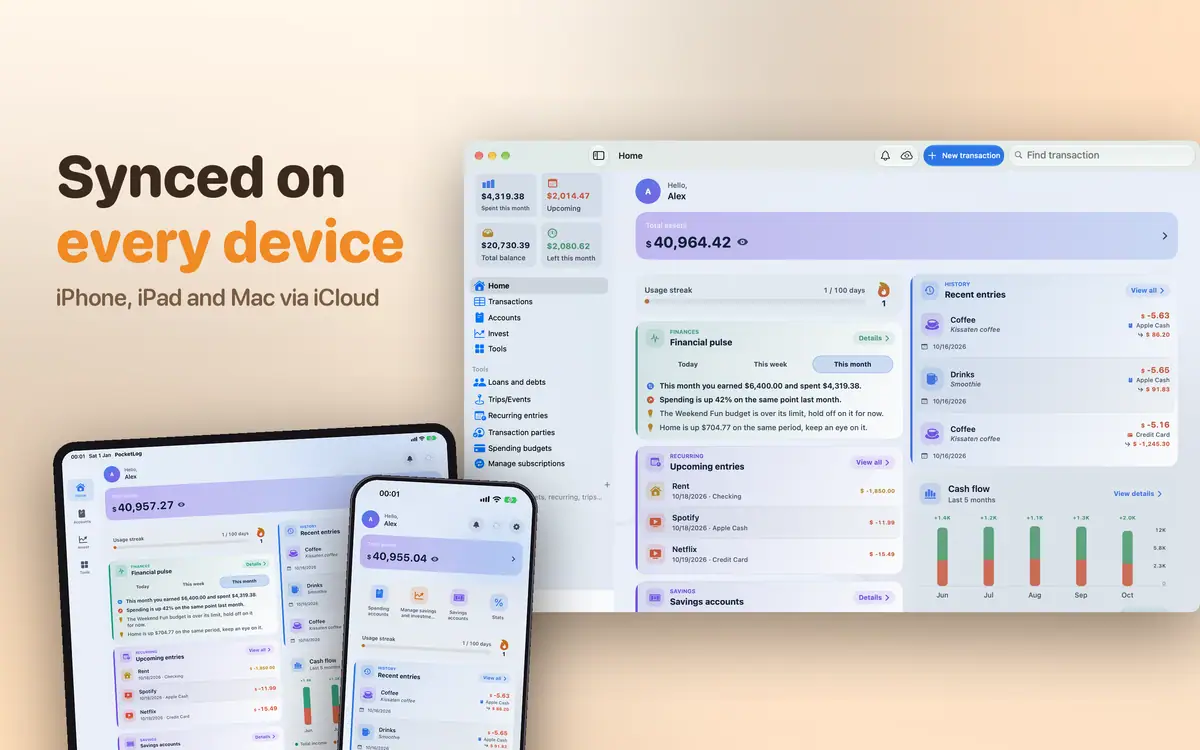
  • iCloud sync across every device
  • Shared accounts with family through iCloud
  • Lock with Face ID, Touch ID or a passcode
  • Import from CSV, Excel and JSON
  • Export to CSV, Excel and JSON, and ZIP backups
  • Reminders and an in-app notification inbox

Appearance

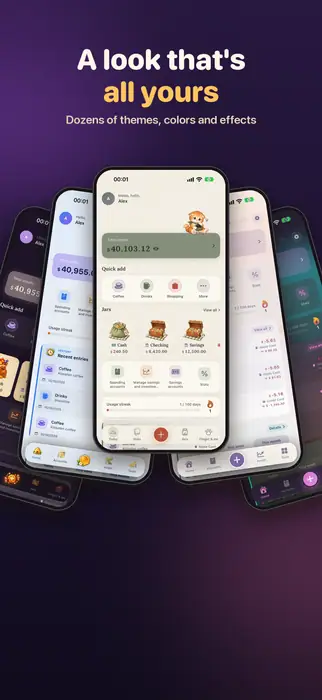
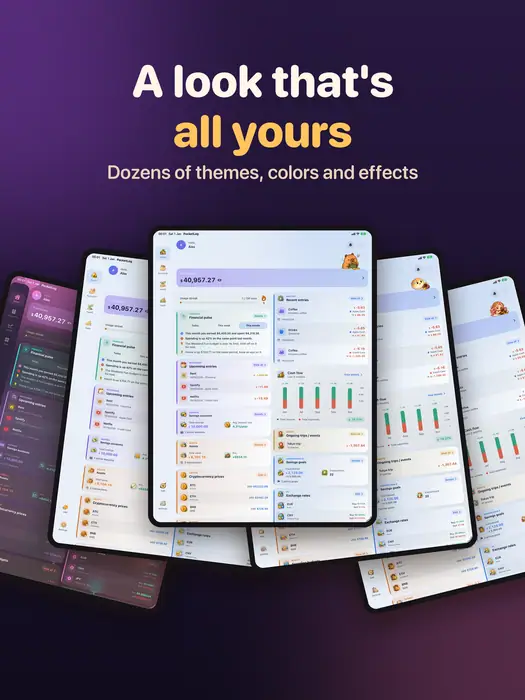
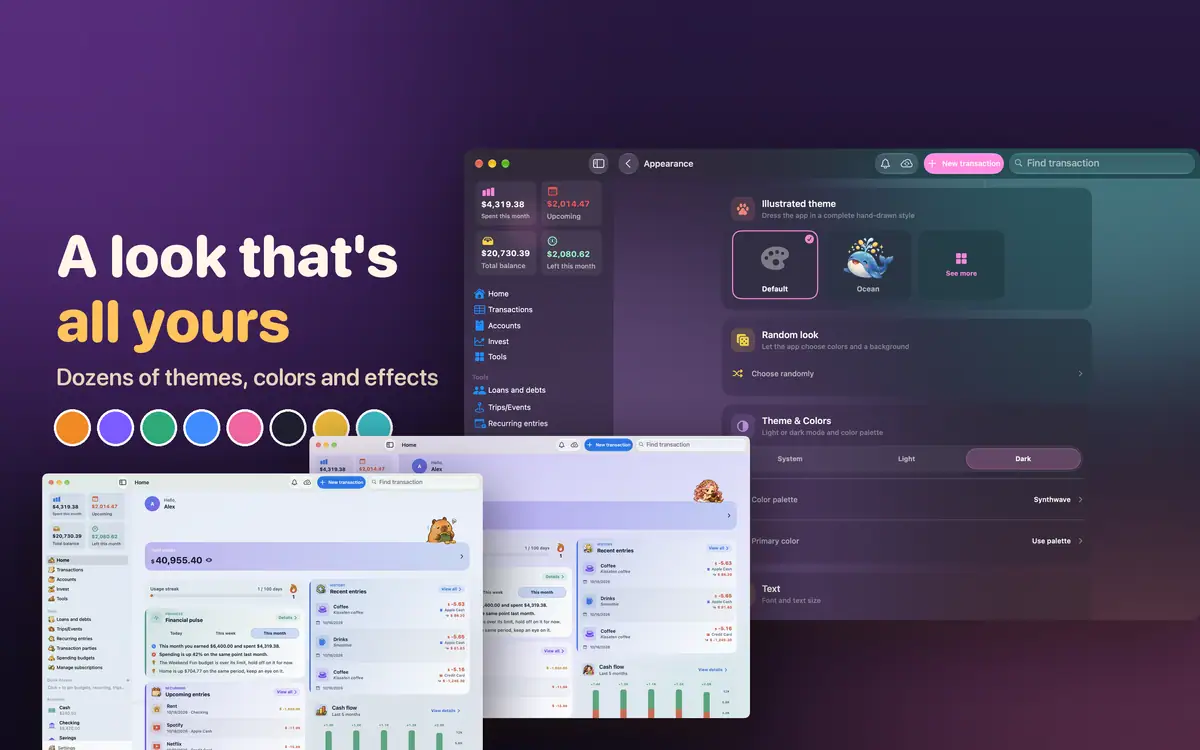
  • 7 illustrated themes: Standard, Cat, Halloween, Ocean, Bee, Capybara, Greek
  • 22 palettes, 37 backgrounds, about 20 animated effects
  • Corner styles and fonts
  • Light and dark appearance

By device

Your data is the same everywhere. Here is what each device adds.

FeatureiPhoneiPadMacApple Watch
Logging, stats, budgets, assetsYesYesYesNo
iCloud syncYesYesYesYes
Home Screen / desktop widgetsYesYesYesNo
Lock Screen widgetsYesYesNoNo
Quick Add in Control CenterYesYesNoNo
Voice entryYesYesNoNo
Sidebar and columnsNoYesYesNo
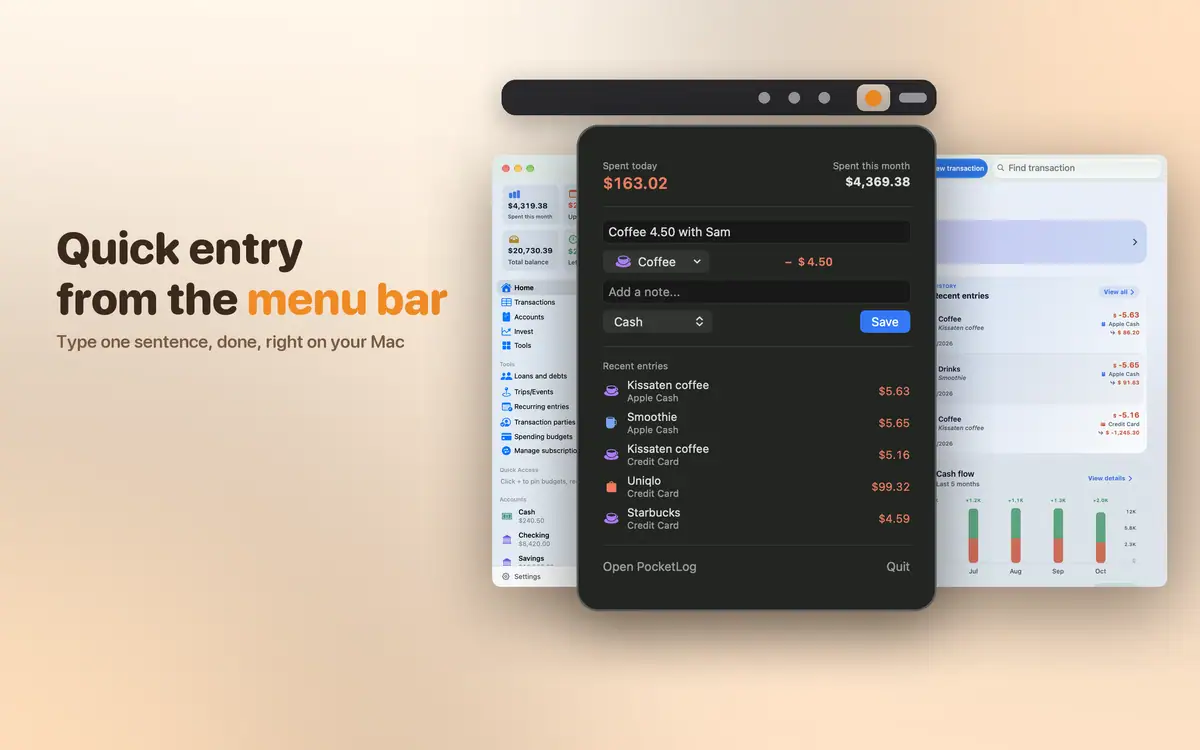
Quick entry from the menu barNoNoYesNo
Multi-column transaction tableNoNoYesNo
PDF reports and printingNoNoYesNo
Keyboard shortcutsNoYesYesNo
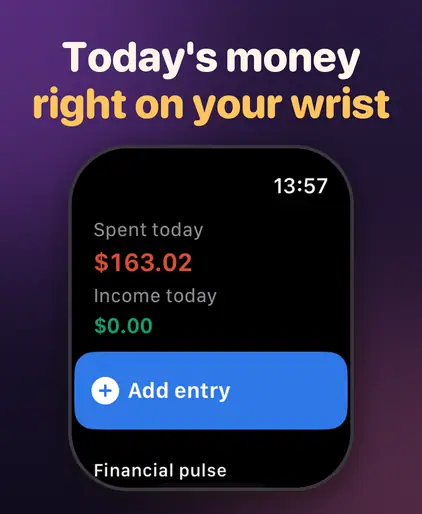
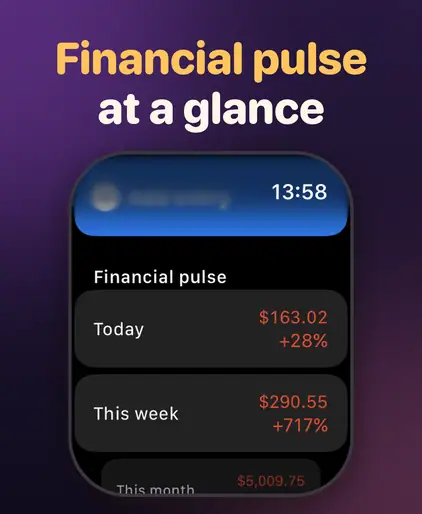
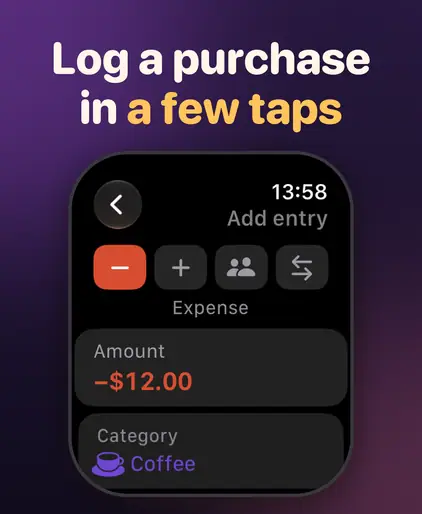
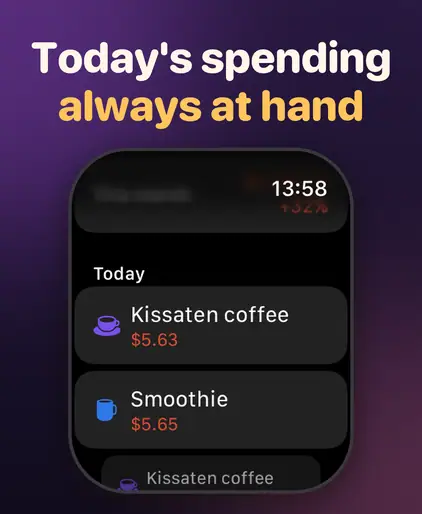
Logging from your wristNoNoNoYes

Widgets

Every widget lets you choose what it shows, and opens the app on the right screen.

WidgetSizes
OverviewSmall, medium, large
Quick AddSmall; Lock Screen circular and rectangular
Financial PulseSmall, medium, large
Net WorthSmall, medium; Lock Screen rectangular
BudgetsSmall, medium, large
AccountSmall, medium
InvestmentsSmall, medium, large
Financial ReportMedium, large, extra large

Lock Screen widgets and the Control Center button are only on iPhone and iPad. Every widget except Quick Add needs Premium.

Requirements

  • iPhone and iPad

    iOS and iPadOS 17.0 or later
  • Mac

    macOS 15.6 or later
  • Apple Watch

    watchOS 10.0 or later

    Needs an iPhone with PocketLog installed.

Download on the App Store