
Enough for everyday logging: unlimited transactions, stats, iCloud sync, import and export.
- 3 accounts
- 1 budget, 1 recurring entry, 1 subscription
- 1 debt, 1 open trip
- The Quick Add widget
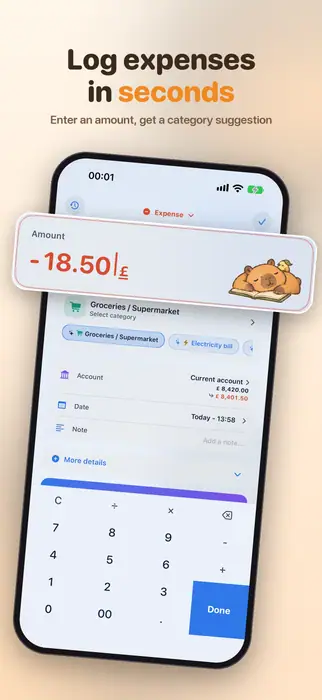
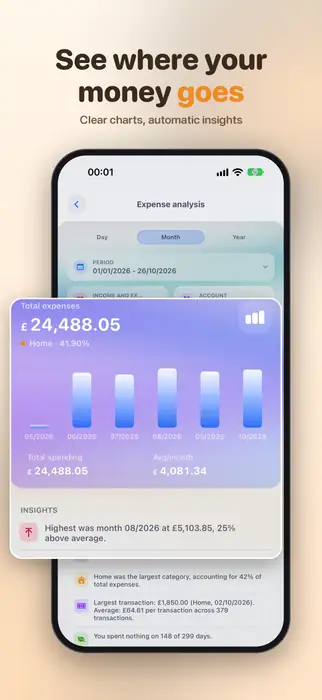
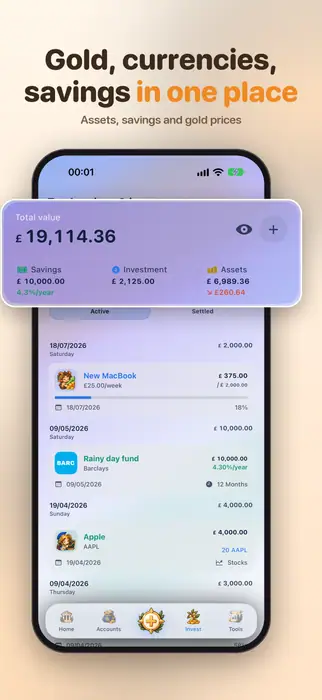
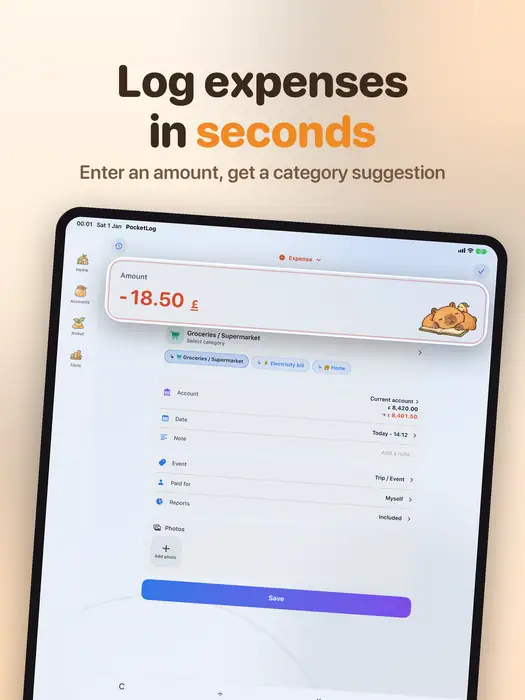
Type the amount and PocketLog suggests the category from your own habits. See where your money goes each month, set budgets, split group costs and track gold and savings, all in one place.

Free · No ads · No account · Your data stays in your iCloud
iPhone, iPad, Mac and Apple Watch
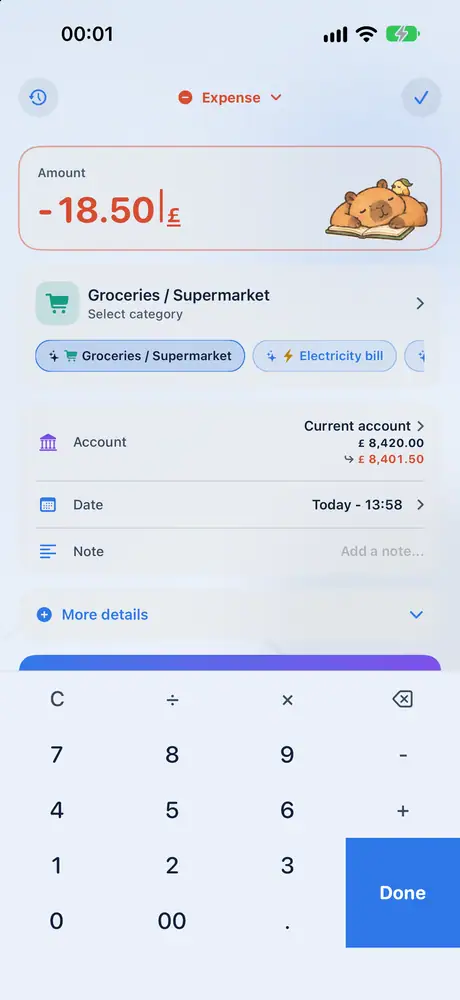
PocketLog learns from your own transactions to suggest the right category. Add a note, a receipt photo or who paid when you need to, or skip it.
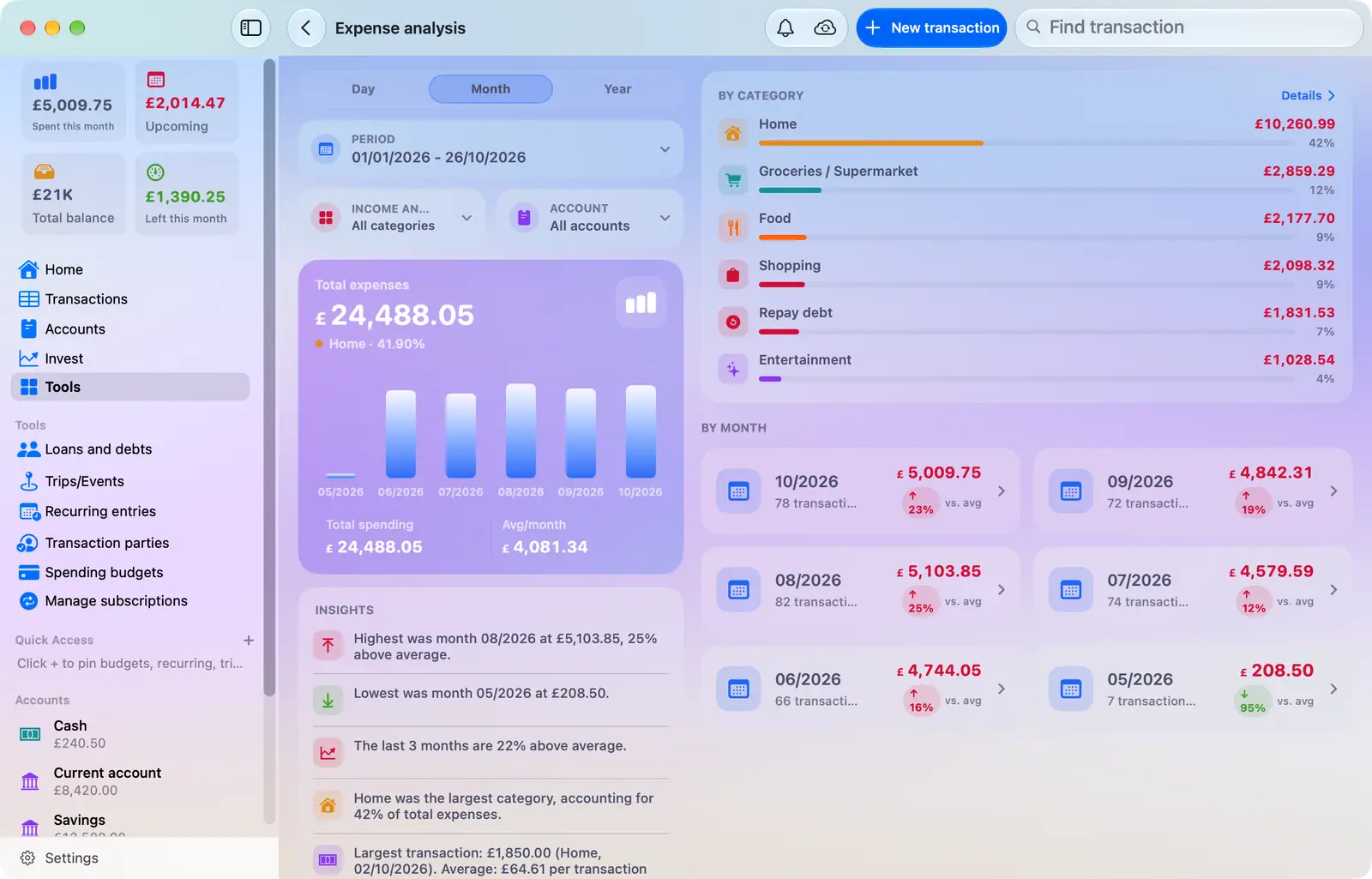
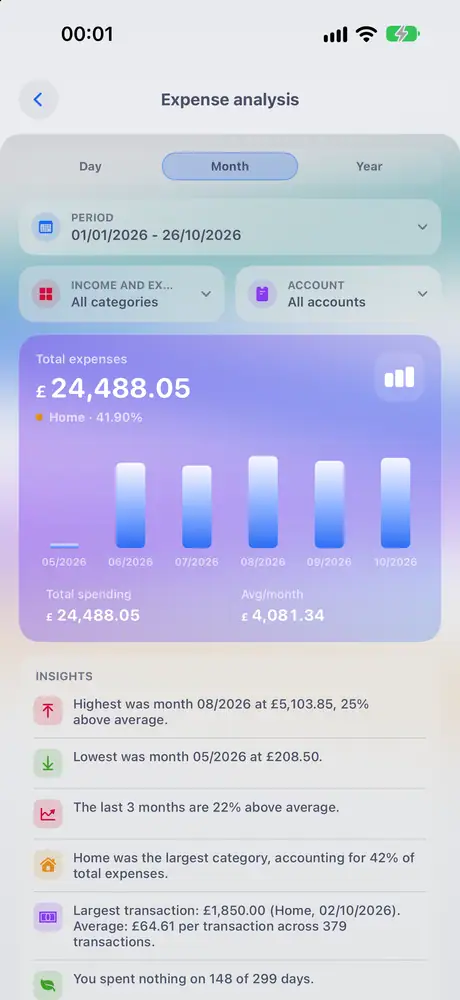
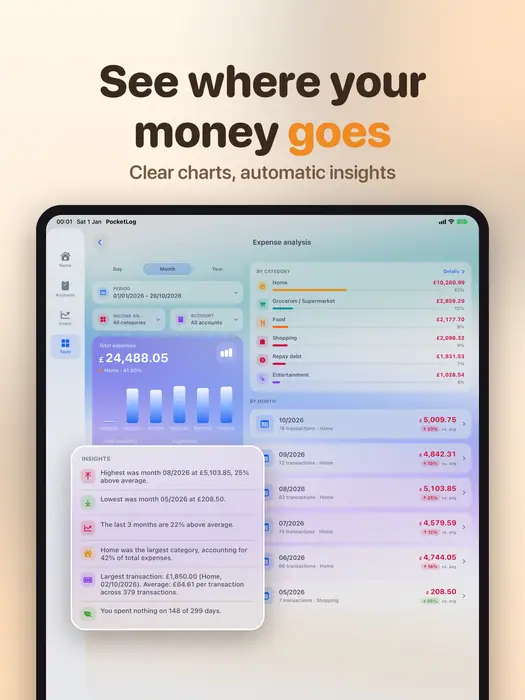
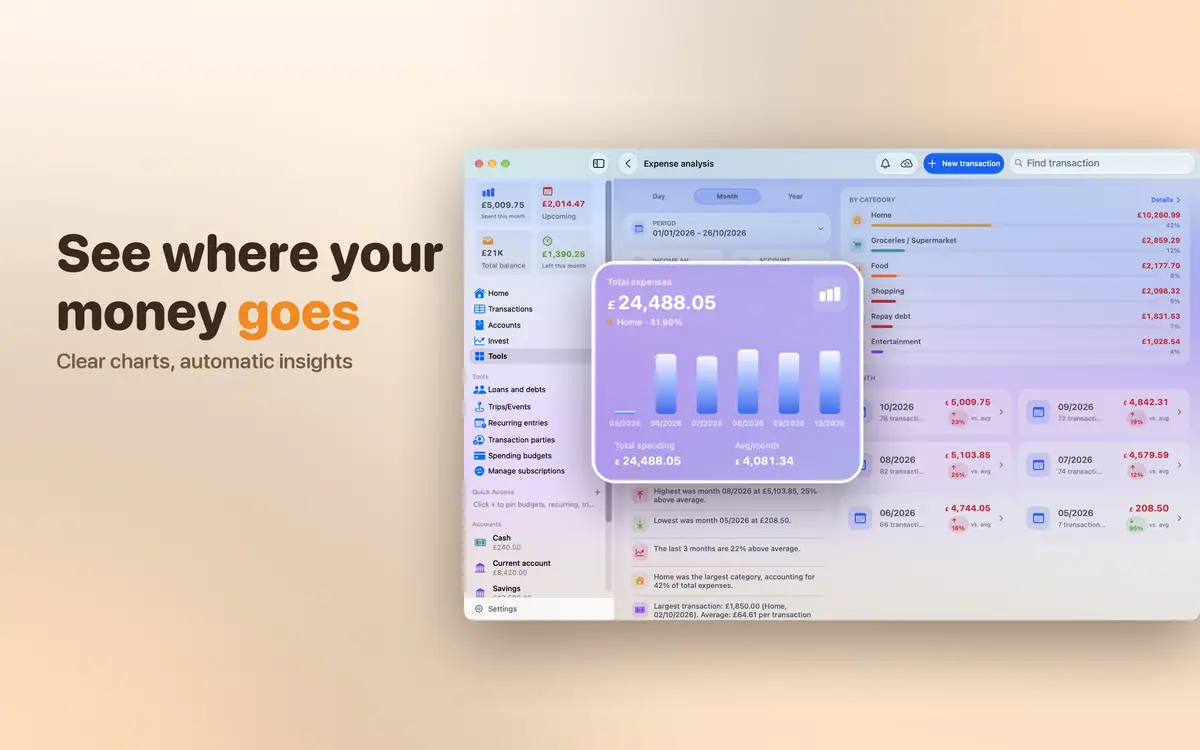
Clear charts of spending, income and cash flow by day, month and year, with automatic insights in plain words.
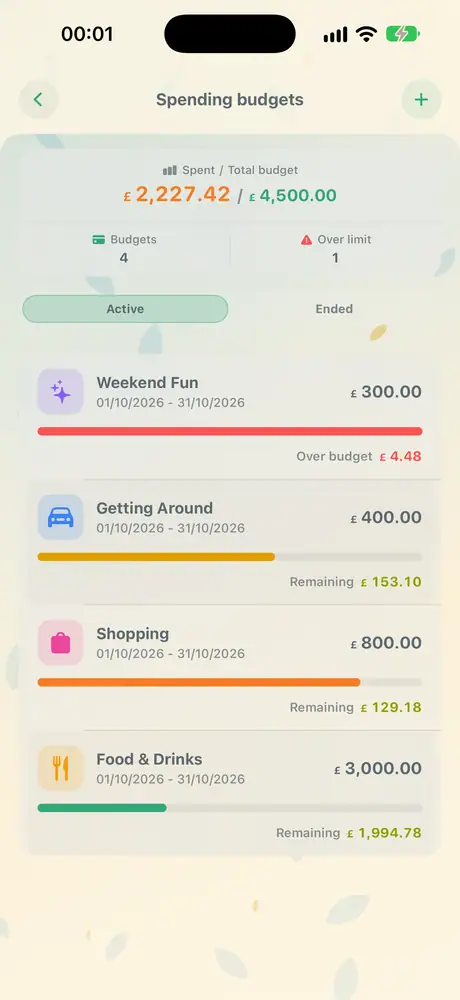
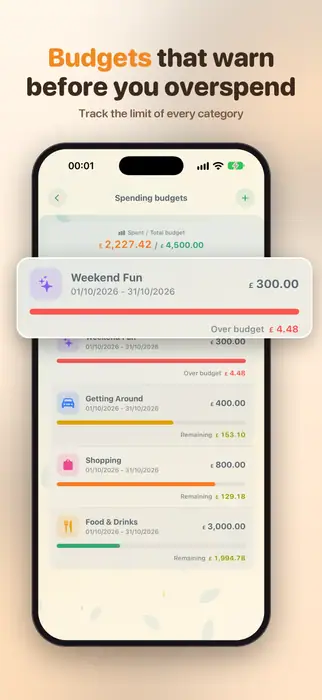
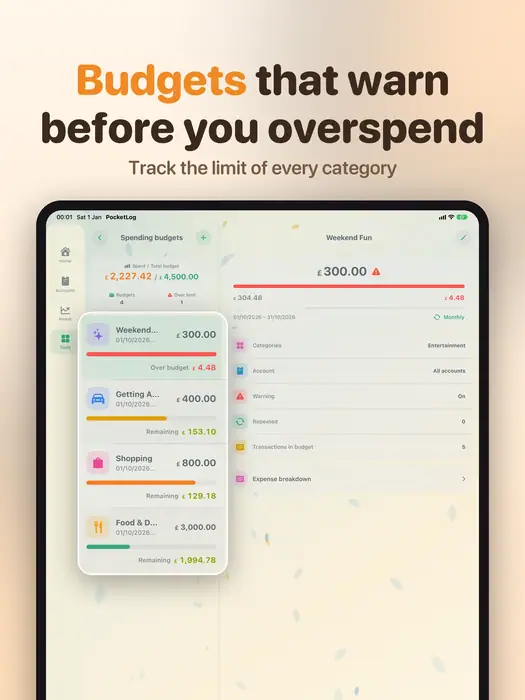
Set a limit for each kind of spending and see how much is left every day.
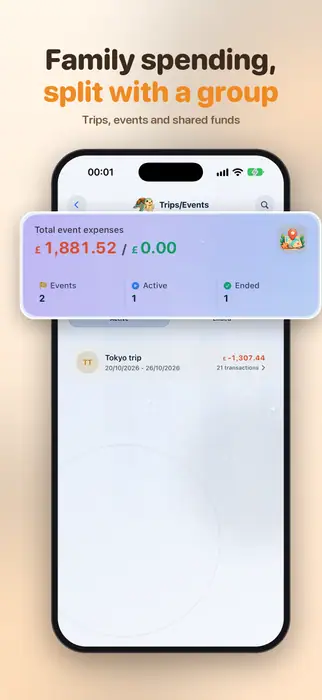
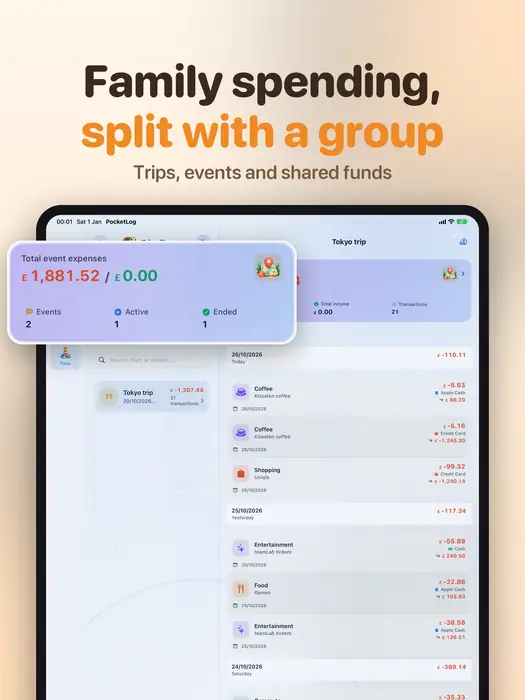
Share an account with your family or partner through iCloud. On a trip or at an event, everyone logs together, and at the end you know who spent what.

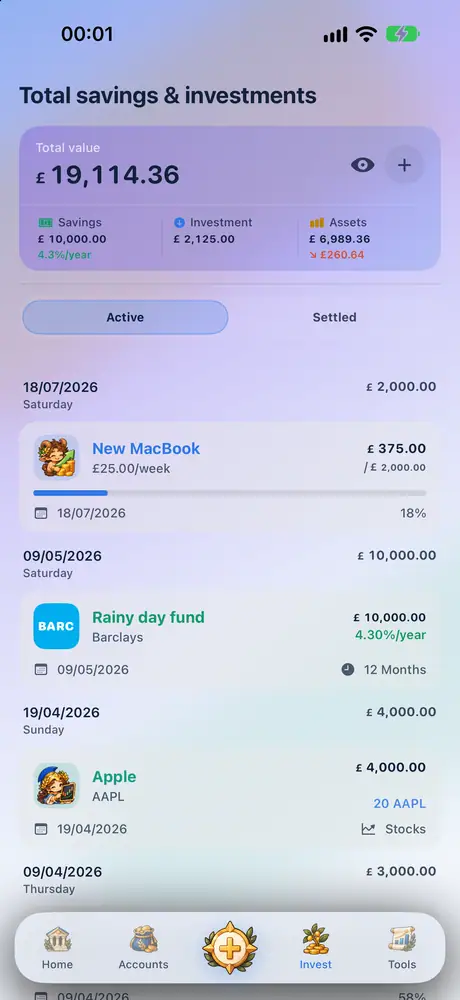
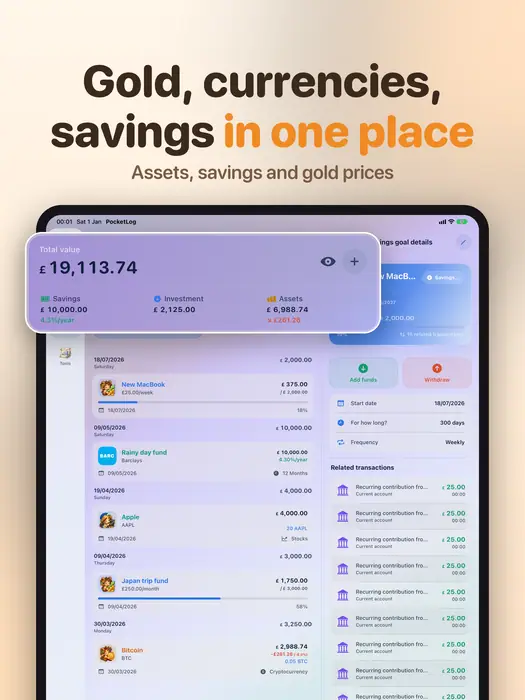
Track savings deposits, saving goals and assets with up-to-date prices, so you know what you are really worth.
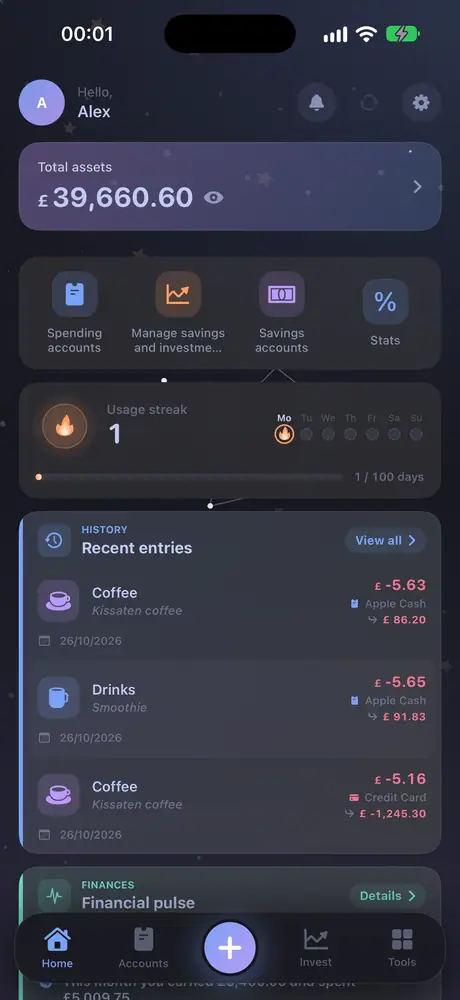
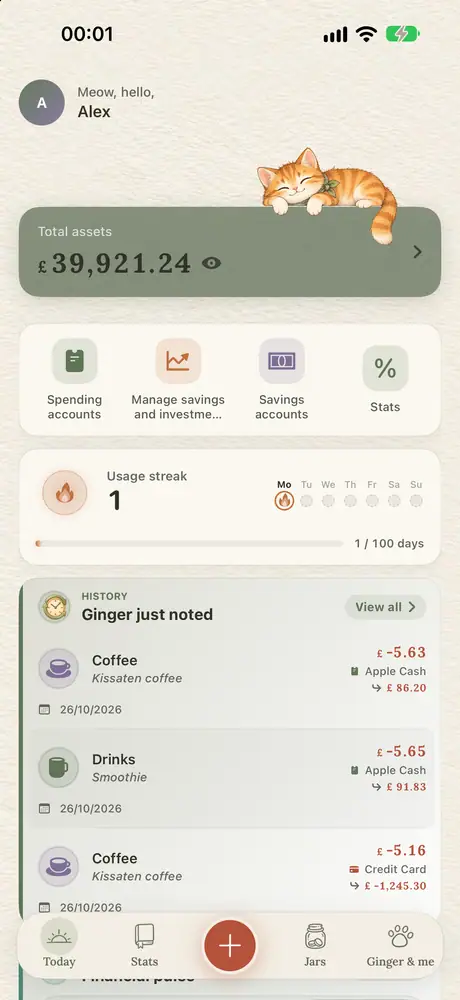
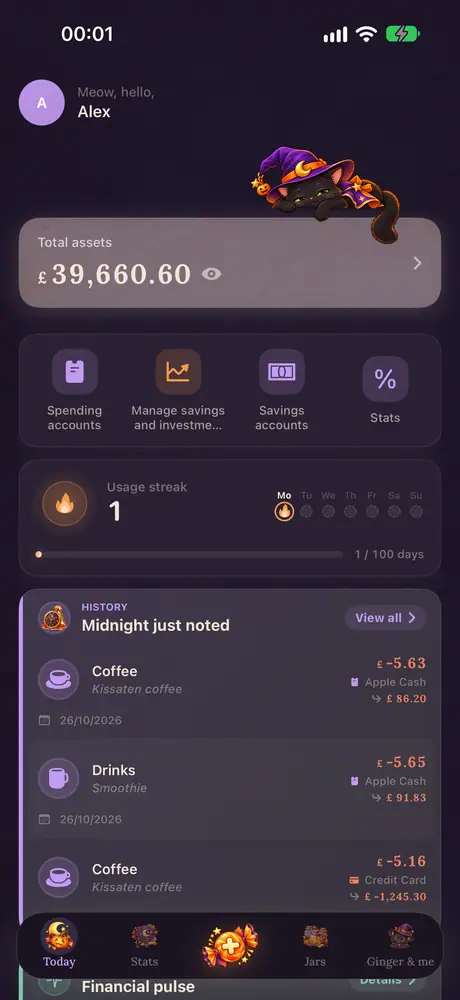
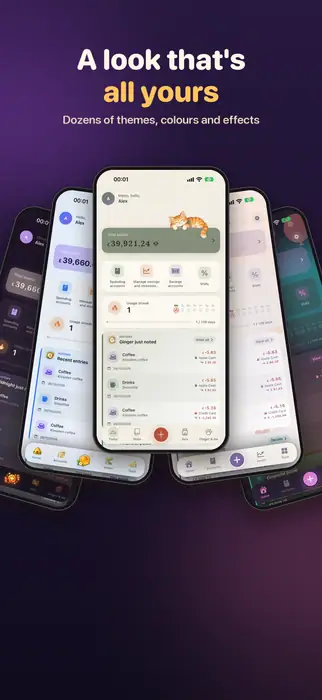
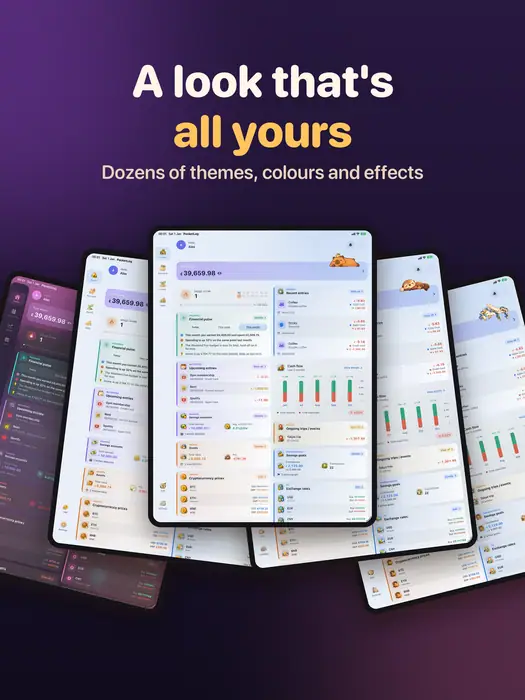
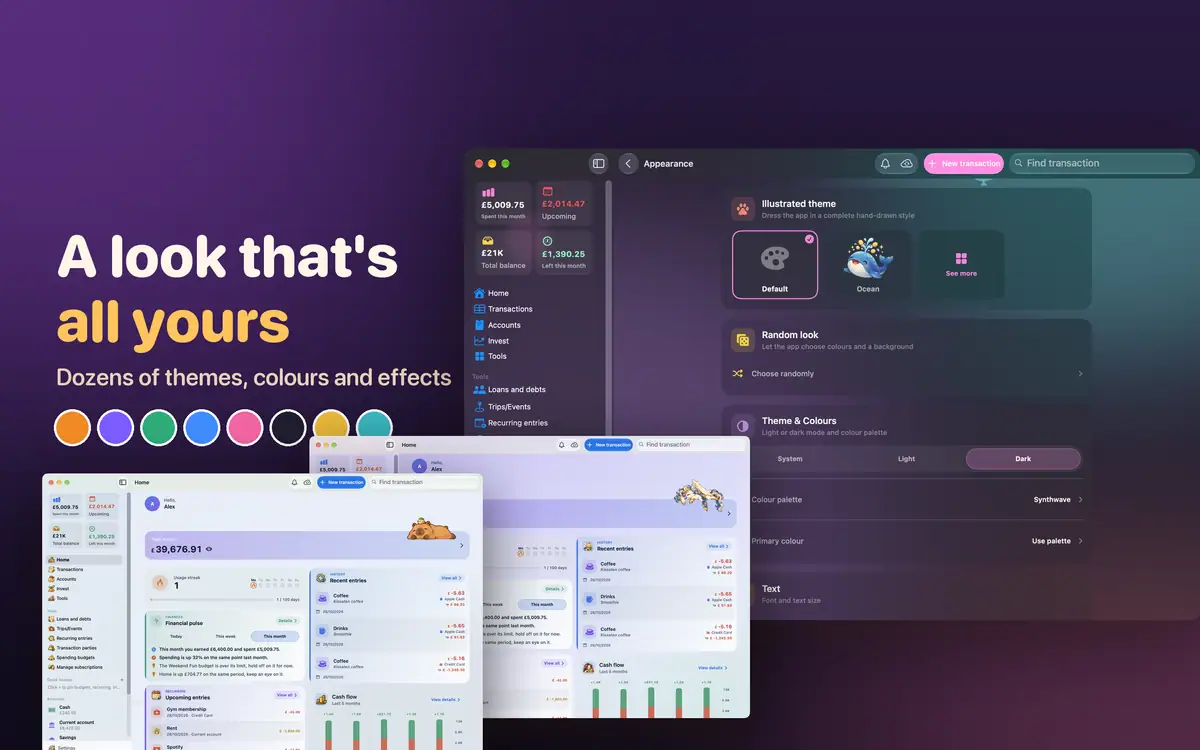
Choose a theme, a palette, a background and effects for the whole app. Cat, Capybara, Greek, Ocean… every theme redraws the icons its own way.
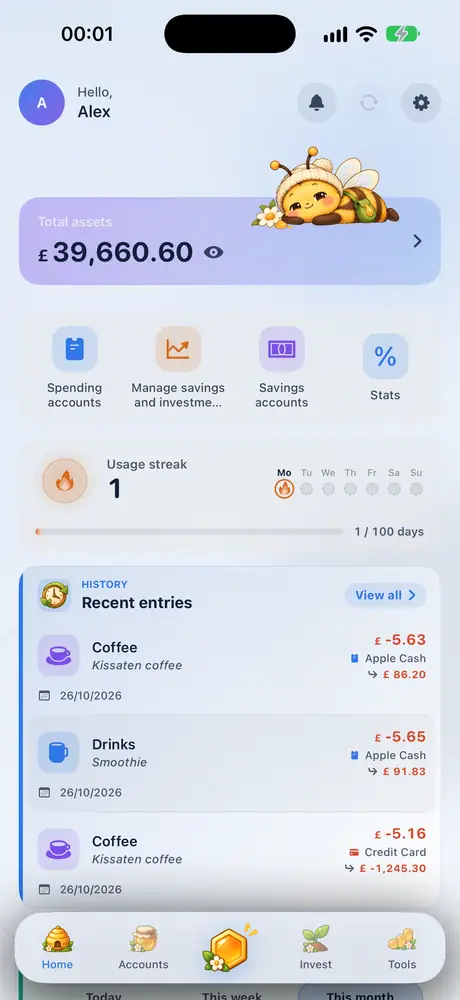
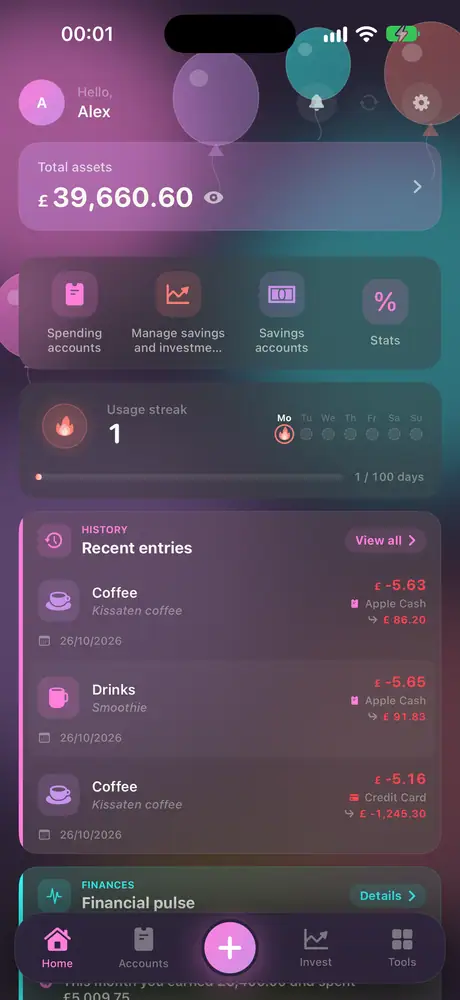
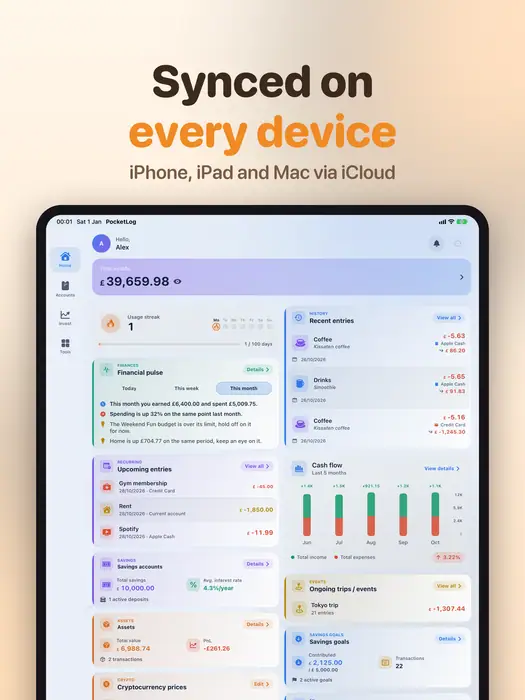
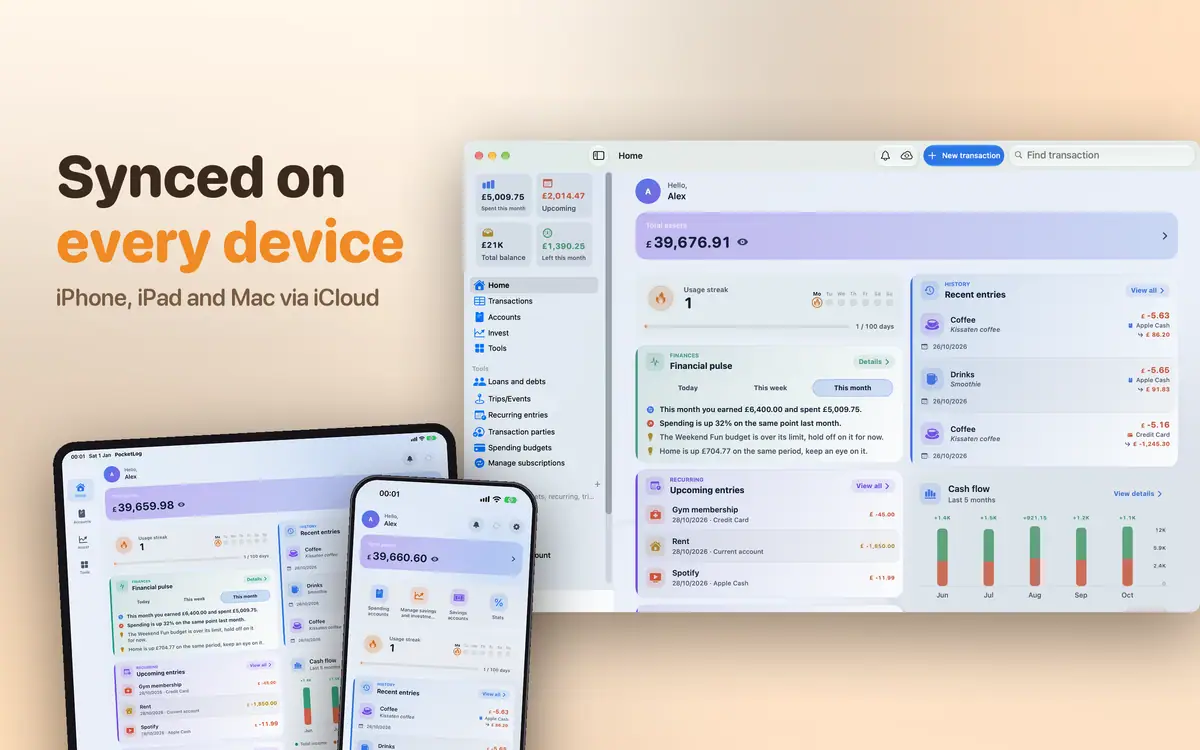
One native app for iPhone, iPad, Mac and Apple Watch, kept in sync through iCloud. Each device has things only it can do.
Log an expense the moment you pay.
Only on this deviceRequires iOS and iPadOS 17.0 or later
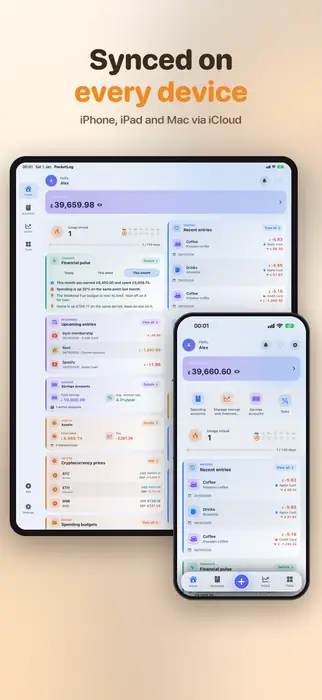
A big screen with a sidebar and columns side by side.
Only on this deviceRequires iOS and iPadOS 17.0 or later
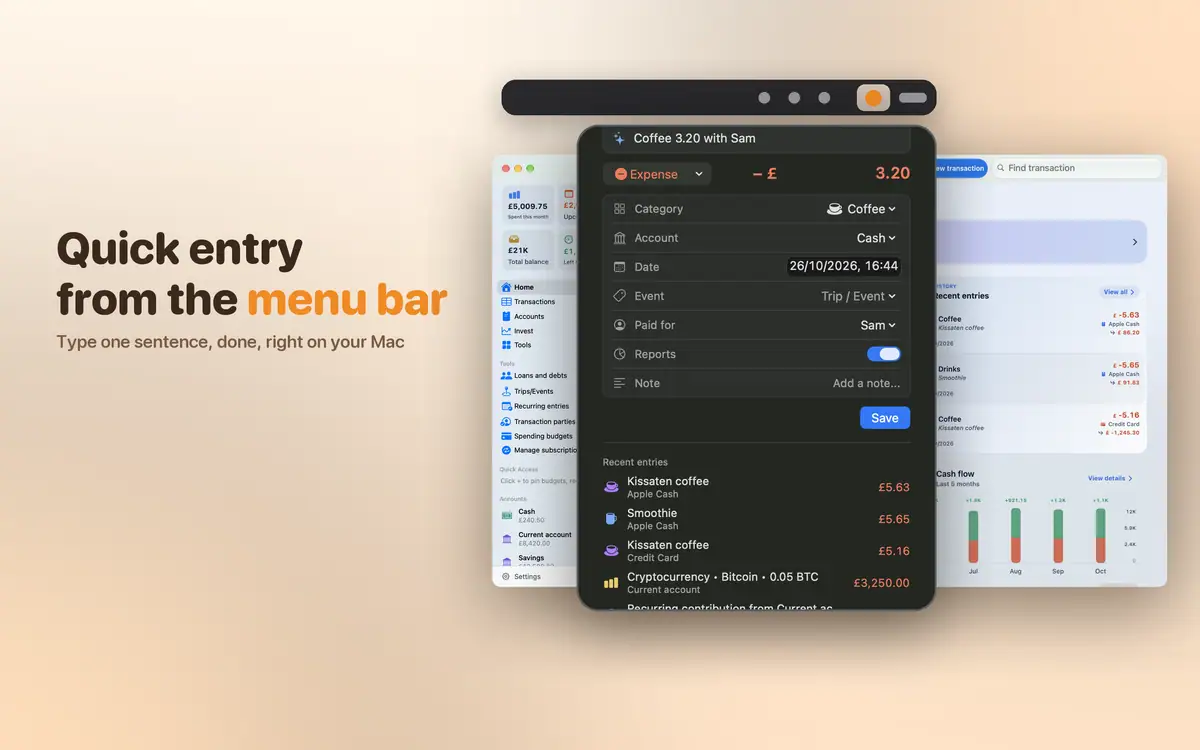
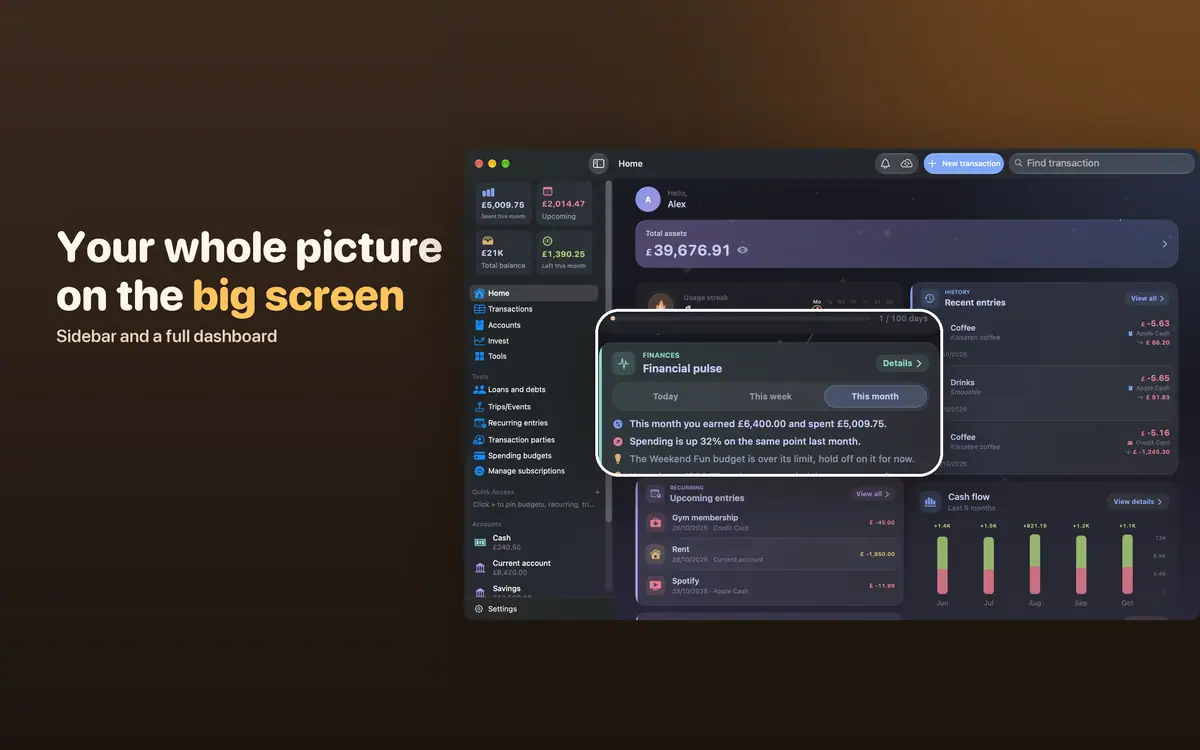
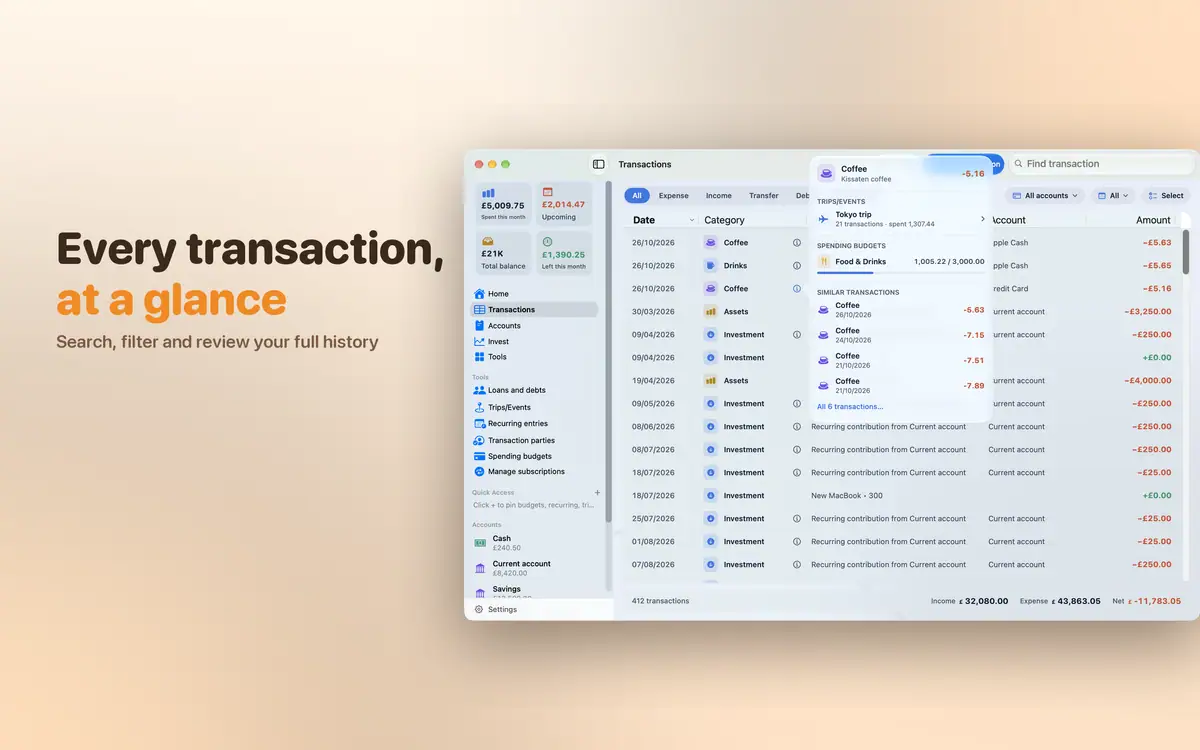
A native macOS app, not a stretched iPad app.
Only on this deviceRequires macOS 15.6 or later
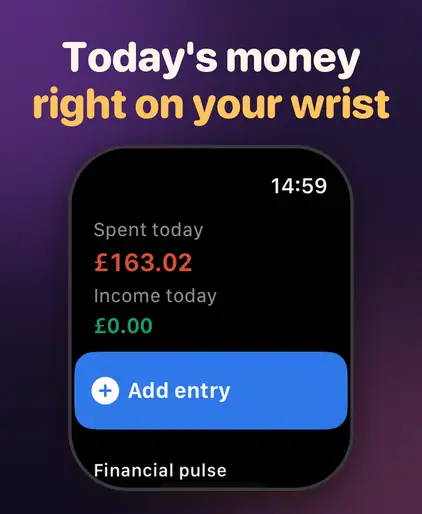
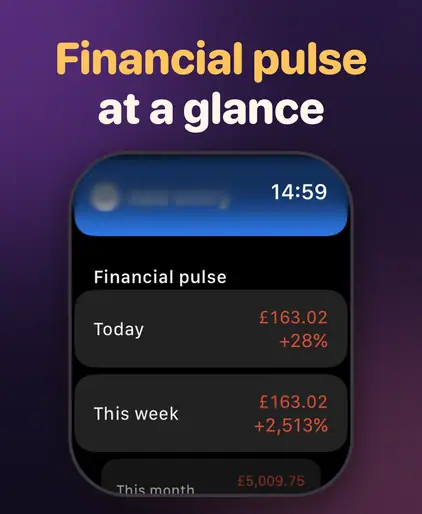
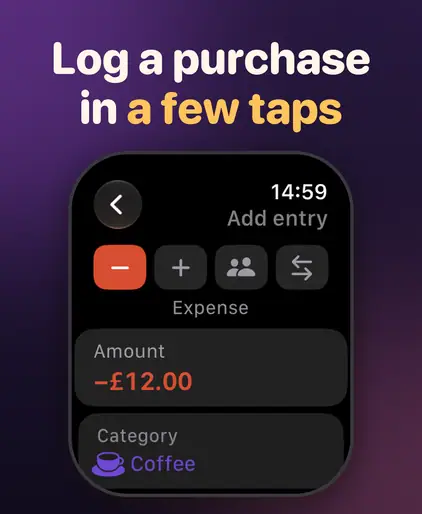
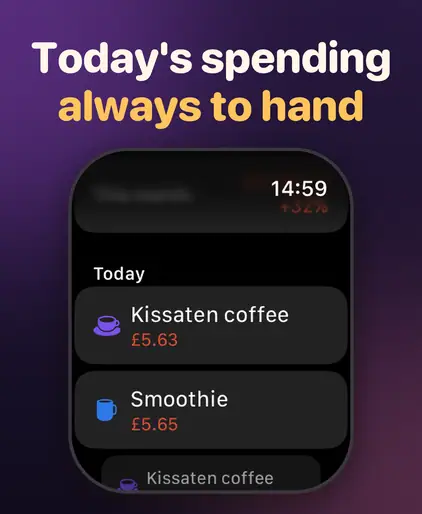
Log spending right from your wrist.
Only on this deviceRequires watchOS 10.0 or later · Needs an iPhone with PocketLog installed.
8 widgets for the Home Screen, the Lock Screen and the Mac desktop: overview, quick add, financial pulse, net worth, budgets, account, investments and a financial report.
Invite family with a QR code. Everyone can log, everyone sees it right away.
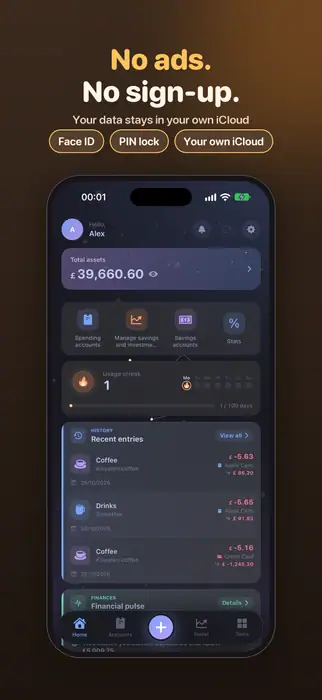
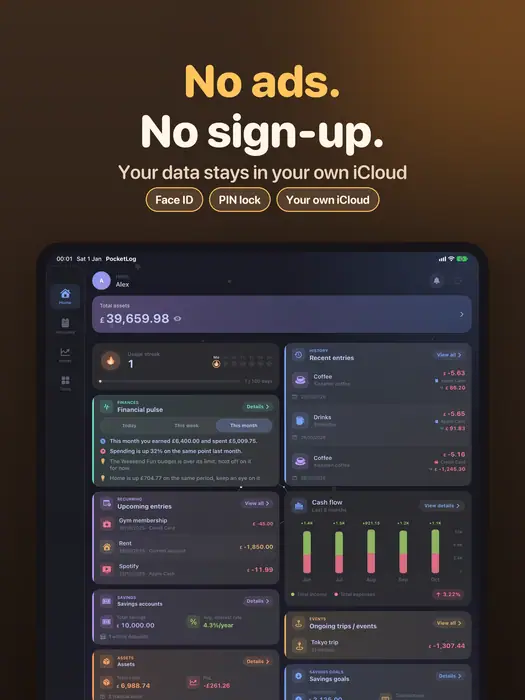
Face ID, Touch ID or a passcode.
Each account in its own currency, converted automatically.
Rent, bills, streaming… reminded and logged for you.
Who owes whom, a repayment schedule and reminders before each due date.
From CSV, Excel or JSON files.
Export everything to a single ZIP file and restore it when you need to.
A daily nudge to log, loan due dates, savings maturity dates.
Find a transaction straight from system search.
PocketLog speaks yours.
No account to create. No ads, no tracking. Your data lives on your device and in your own iCloud, and we cannot read it.
Enough for everyday logging: unlimited transactions, stats, iCloud sync, import and export.
Monthly or yearly (with a 1-week free trial), or buy once and keep it forever.
The free plan lets you record unlimited transactions, with up to 3 accounts, 1 budget, 1 recurring entry, 1 subscription, 1 loan and 1 active trip or event.
Premium removes these limits and adds in-depth analysis, creating shared accounts, foreign-currency accounts, all appearance options, widgets, Spotlight and experimental features.
→When iCloud Sync is on, your data is copied to your private iCloud and kept the same on every device signed in to the same Apple ID.
Settings › iCloud Sync shows the status and how many transactions are waiting to upload. If something seems stuck, check that you're signed in to iCloud and online, then tap Sync now.
→With iCloud Sync on, install the app on the new device with the same Apple ID. During setup the app shows iCloud data found; choose Restore iCloud data.
Without iCloud Sync, make a backup file on the old device, move it over, and use Restore from file. Don't choose Delete iCloud data and start fresh unless you mean it: it also deletes the data on your other devices.
→Open Settings › Premium and tap Restore purchases, making sure you're signed in with the Apple ID you paid with. Redeem code is there too.
To change or cancel a subscription, use Manage plan. A free trial is offered only to Apple IDs that haven't had one.
→Gold, silver, foreign currency and crypto get live prices, refreshed every few minutes. Stocks, bonds, real estate and other assets don't, so update their value yourself.
When you're offline, the last known prices are shown.
→
PocketLog is on the App Store for iPhone, iPad, Mac and Apple Watch.